
01. Upload the space
Capture pantries, closets, mudrooms, garages, or offices. Add measurements and notes so the plan starts from reality.
A professional organizer workflow: capture the space, reuse what clients own, generate AI layouts, match products, then deliver with calendar and notes.

Capture pantries, closets, mudrooms, garages, or offices. Add measurements and notes so the plan starts from reality.
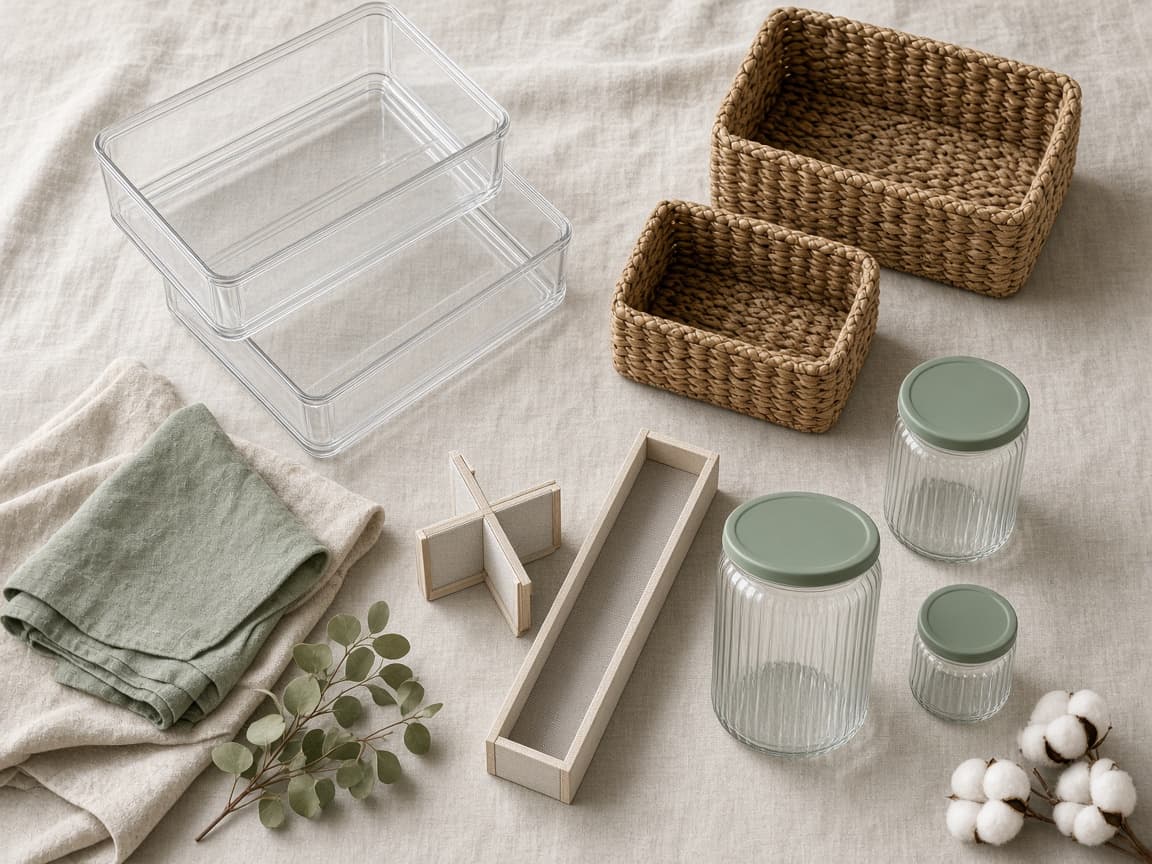
Photograph bins, jars, and systems on hand. OrganizeAI plans around existing inventory before suggesting new purchases.
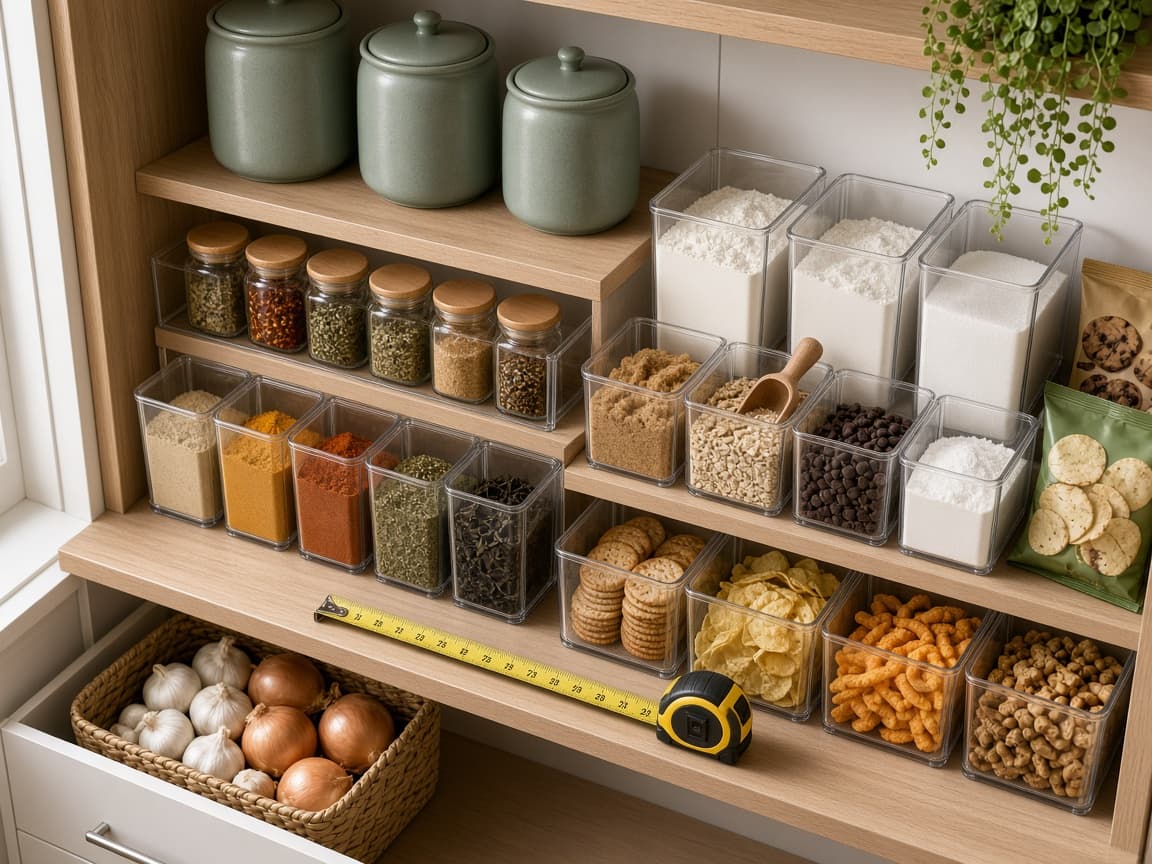
Review labeled layouts with zones and fit notes. Refine until the option matches your professional standard.
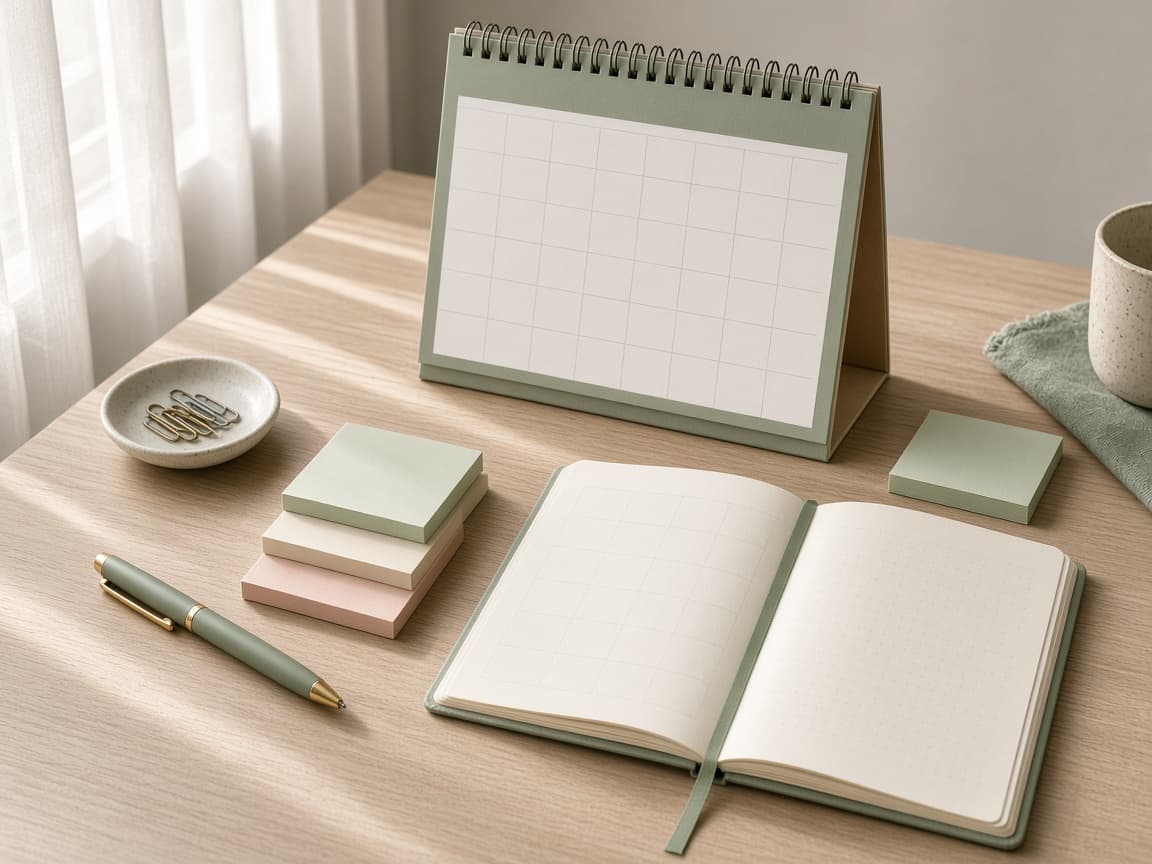
Build shoppable lists, attach notes, place installs on the calendar, and share boards with clients or teammates.
Sign in and run the full flow on your next client job.